Why a post appears as published but is not visible on the social network
If a post appears as published in the planner but is not visible on the social network, the publish action usually succeeded. In most cases, the content was later restricted, reviewed, or removed by the network itself.
Content not available
If Facebook shows a message like This content is currently unavailable, the post may be limited by privacy settings or deleted.
Open the post in an incognito window to check whether it is publicly visible.
Page not found
This often happens when trying to share a video you do not own. Meta’s API only allows sharing videos owned by the authenticated user. Manual sharing from Facebook may still work in some cases.
If the post appears as published but the link shows This page is not available, the post was usually published successfully and later deleted from Instagram.
If LinkedIn shows This post cannot be displayed, the post was usually published successfully and later deleted from LinkedIn.
Google Business Profile
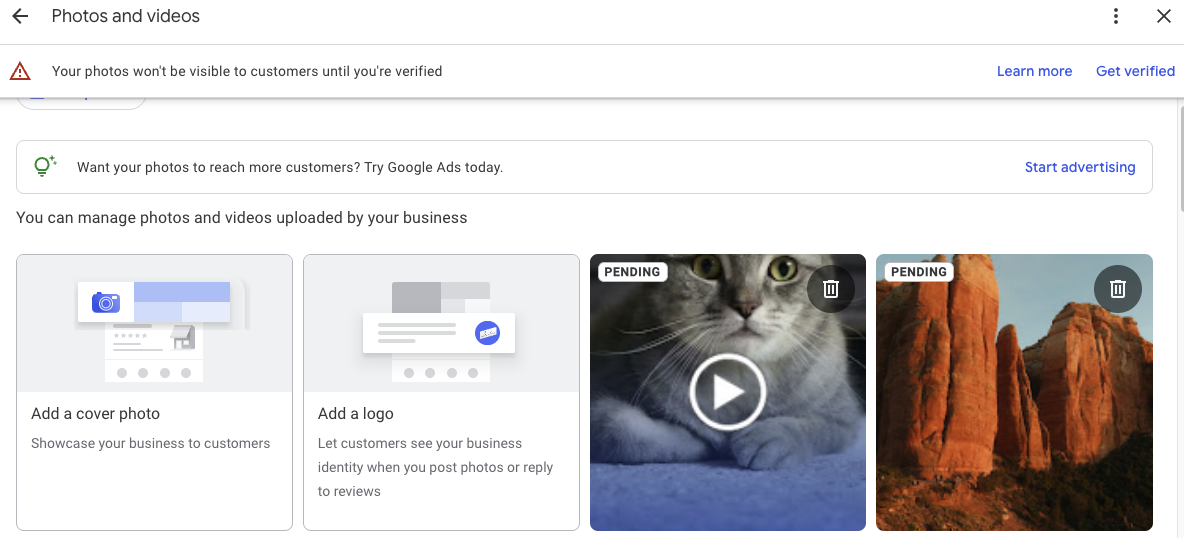
A post can appear as published in the planner but still not show on your profile because Google is reviewing it against its post content policy.
In these cases, check whether the post is marked as Pending or Not approved:
Pending: the post is still uploading, processing, or waiting because the profile is unverified.
Not approved: the post violated a Google content policy and is not visible in Search or Maps.
Log in to your Google Business Profile.
If you manage multiple profiles, select the correct business.
Open Posts or Photos.
Check the status of the content.
For more details, see Google’s help article here.
YouTube
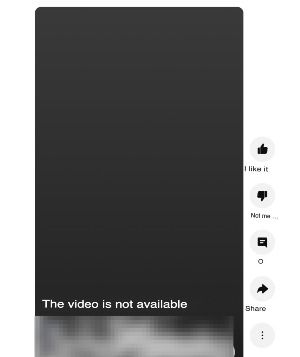
If the video shows as published but the link says The video is unavailable, the video was usually published successfully and later removed from YouTube.
Common reasons include:
The video was deleted by the channel owner.
The video was removed by YouTube because of copyright or Community Guidelines issues.
A temporary YouTube error. In that case, try opening the link again from another browser or device.